What photos do I need for a watch?
The 6 photos we need to authenticate a watch, what changes for Rolex and everyday brands, and the extra close-ups that help.
When you authenticate a watch, the order form asks for these photos, one per box. Some brands differ, as shown further down.
No date window? Tick “My watch has no date window” on the form and that photo becomes optional.
Required photos (6)
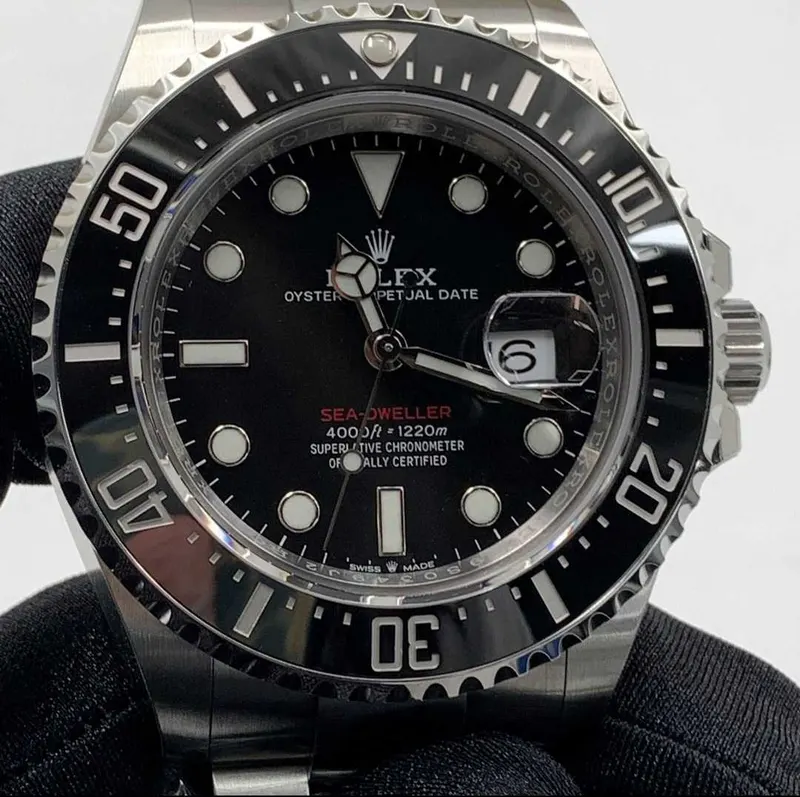
Overall picture
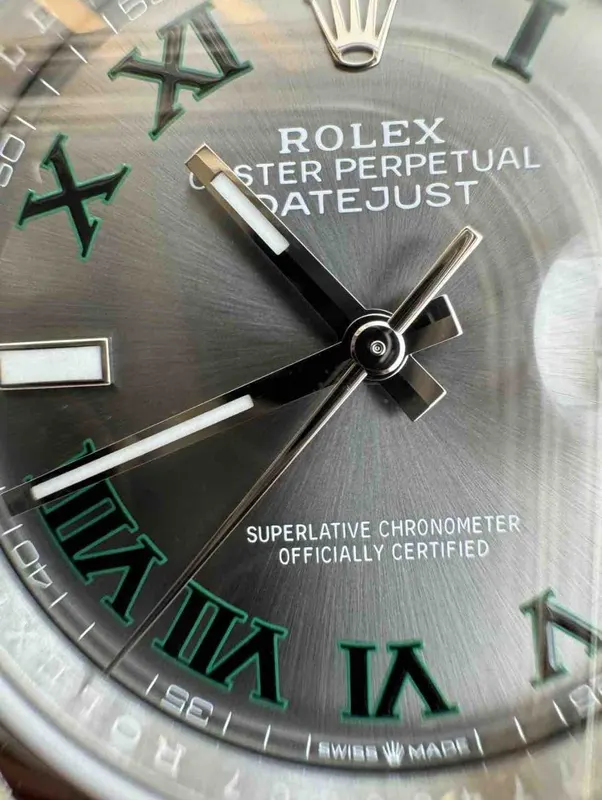
Face
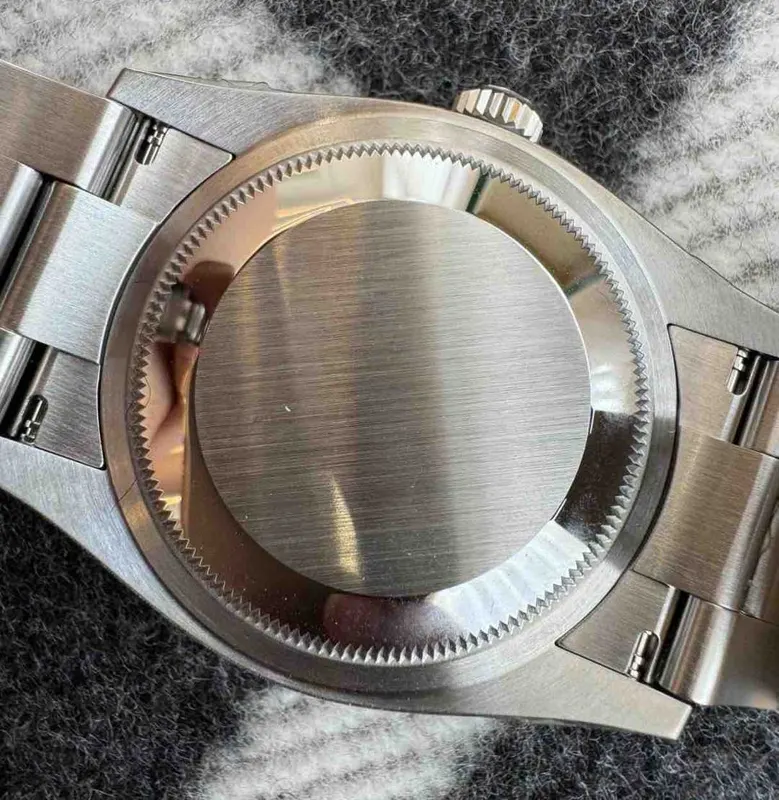
Back Panel
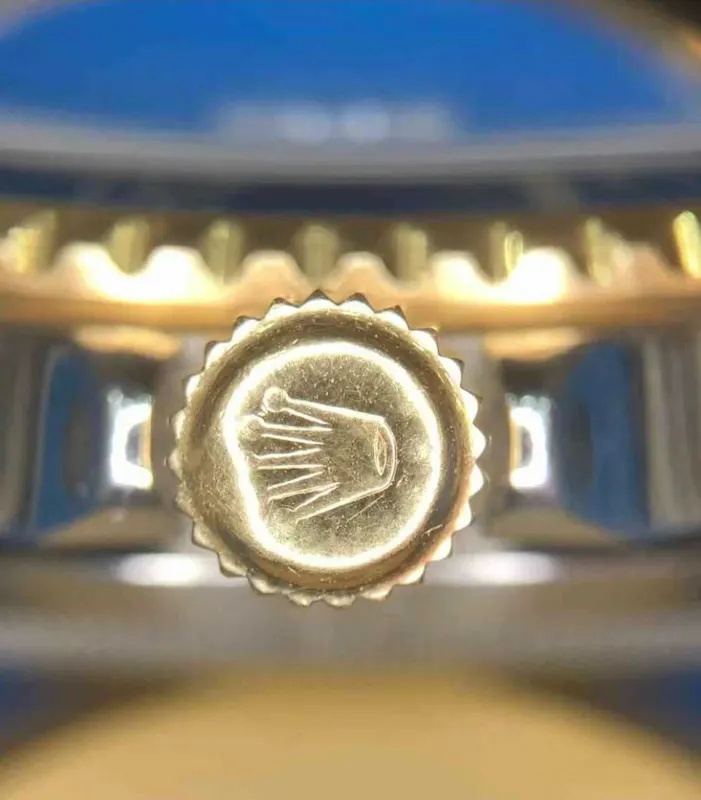
Crown
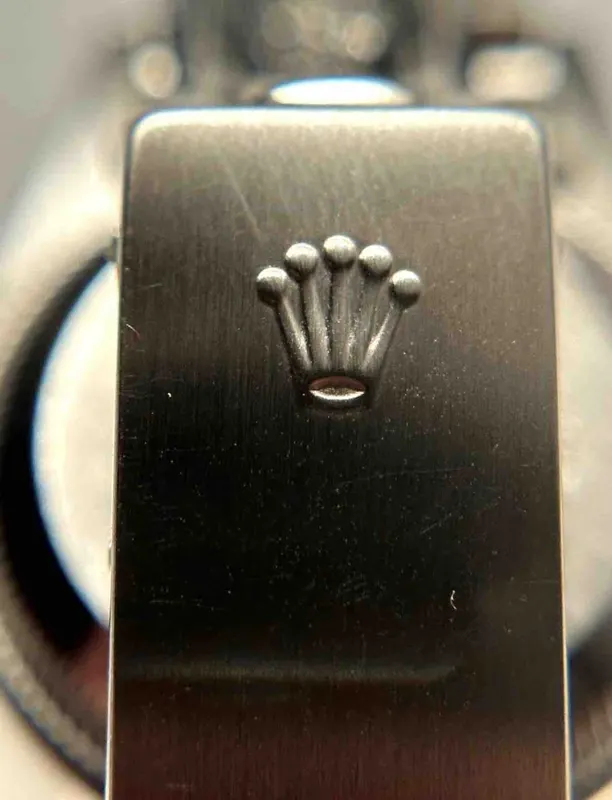
Clasp Marking
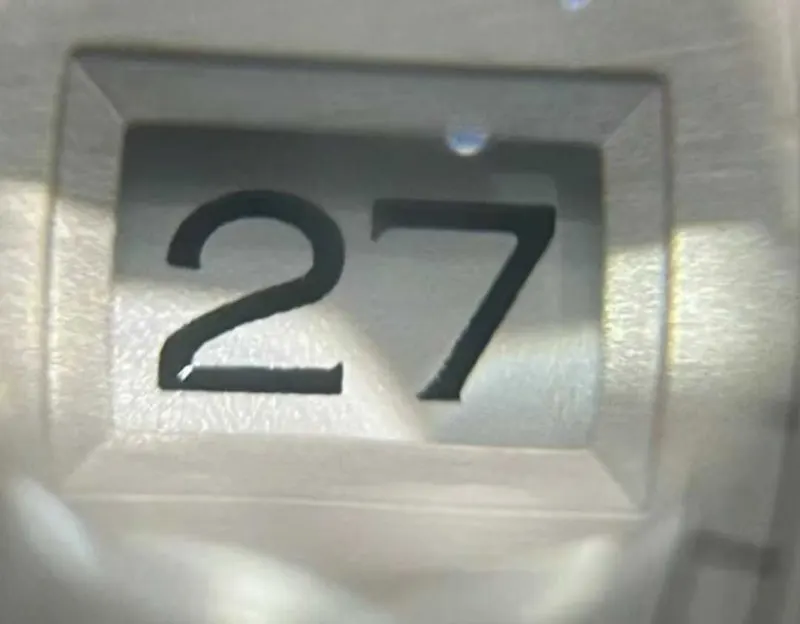
Date Window
Also helpful, if your item has them (7)
 Dial close-up
 Hands
 Strap Engraving
 Serial Number
 Dial Center Axis
 Box & Papers
 Metal Mark
Everyday and fashion watch brands
For brands such as Tissot, Seiko, Hamilton or Fossil, fewer photos are required. The clasp and the date window are recommended, and the other photos above are optional.
Required photos (4)
Overall picture
Face
Back Panel
Crown
Recommended (2)
Clasp Marking
Date Window
Rolex
A Rolex takes the same required photos as other watches. The form shows our example photos for these details and adds three optional close-ups: the inner bezel engraving, the bezel markings and the crown pulled out.
What to photograph, with our example photos (14)
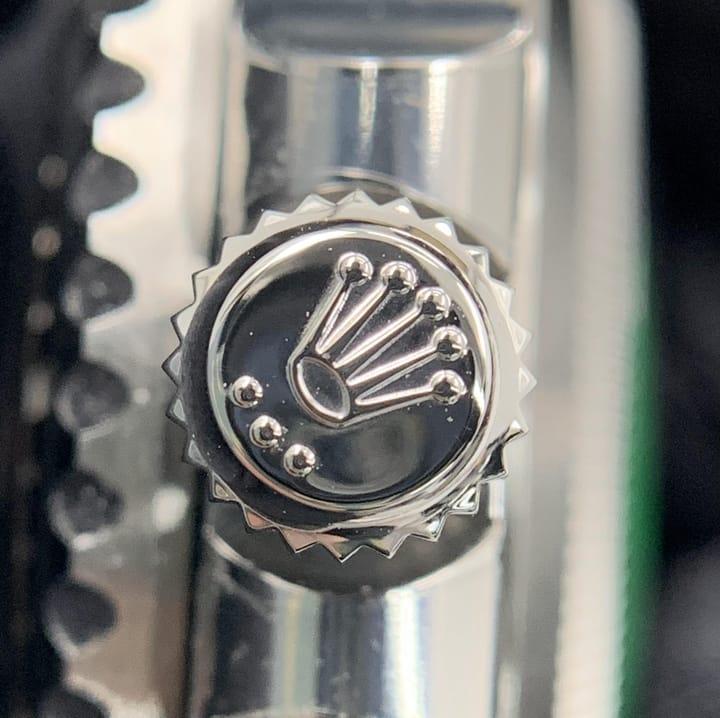
CrownClose-up of the logo on the winding crown, straight on. 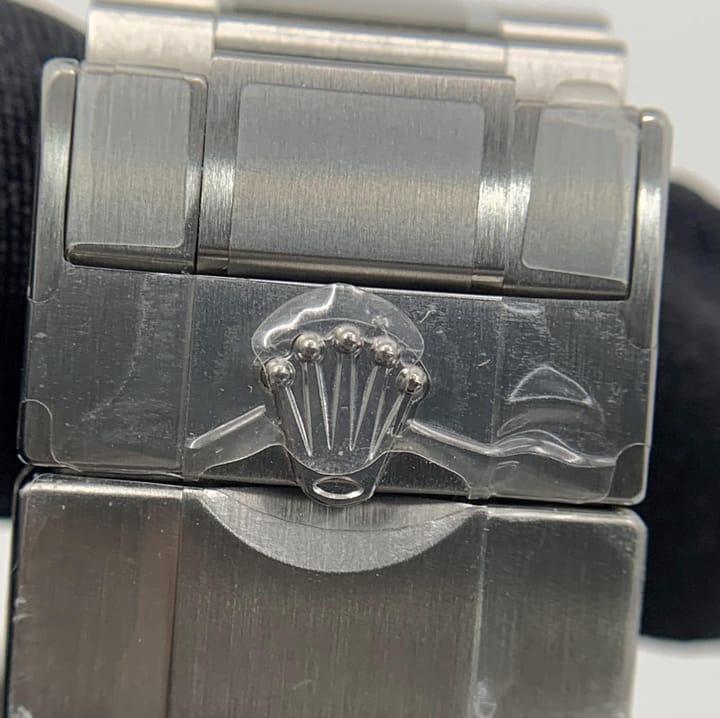
Clasp MarkingClose-up of the crown logo on the outside of the clasp. 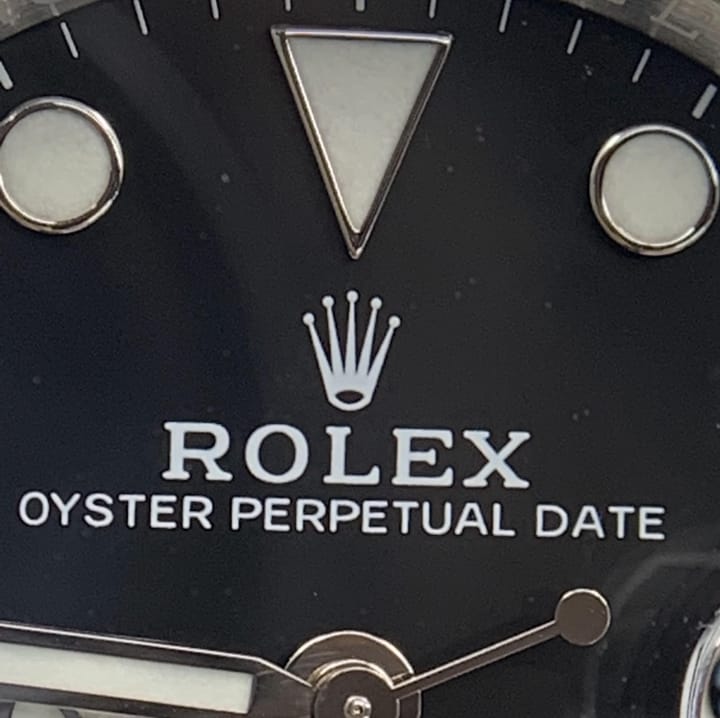
Dial close-upClose-up of the crown logo and the lettering under it. 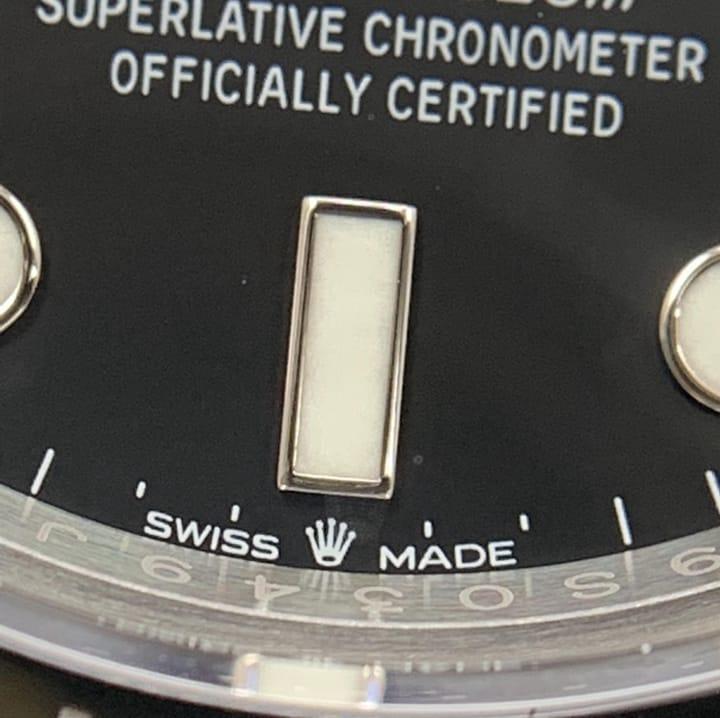
Dial close-upClose-up of the lettering on the lower half of the dial, down to SWISS MADE at 6 o'clock. 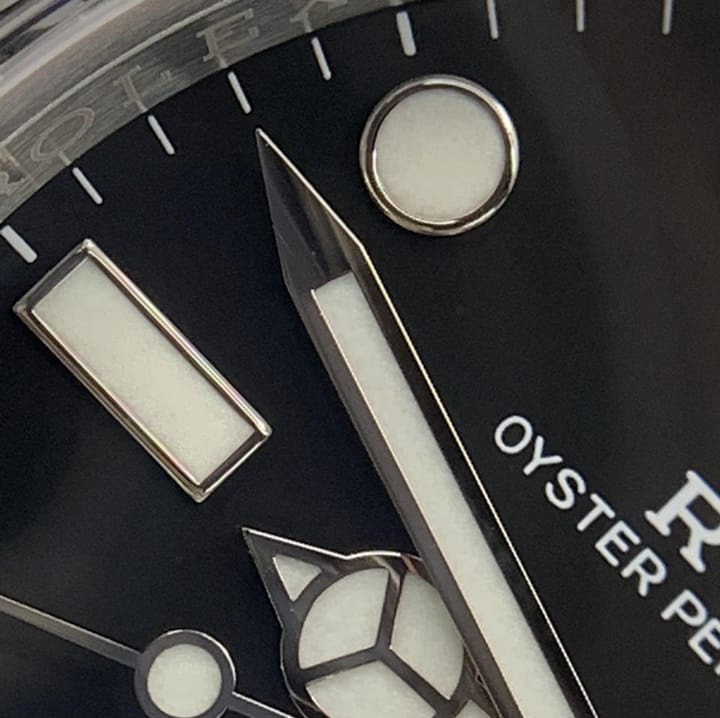
HandsClose-up of the tips of the hands. 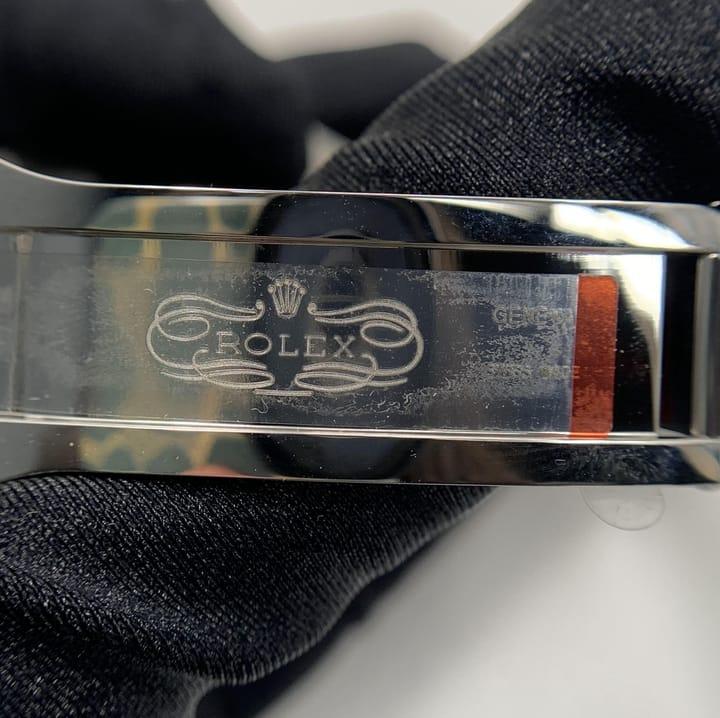
Strap EngravingOpen the clasp and photograph the engraving inside it. 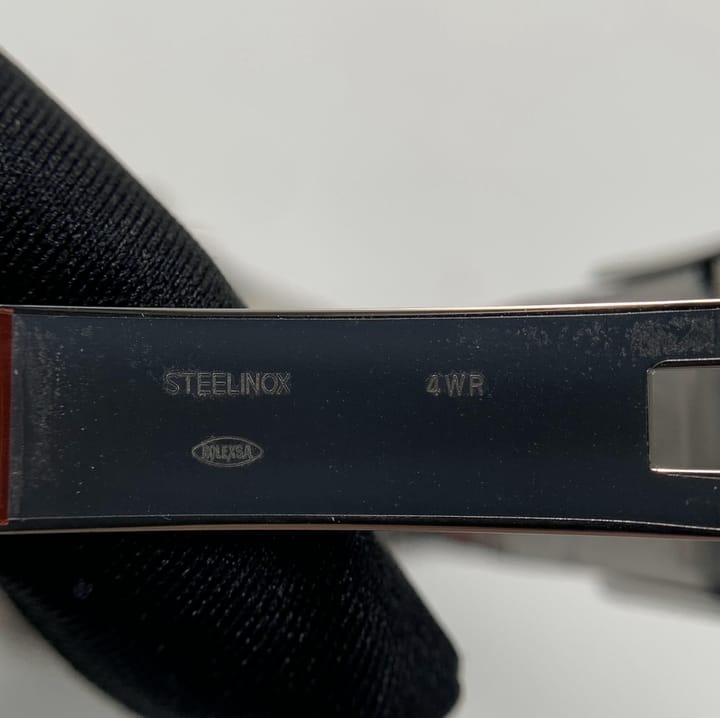
Strap EngravingThen the stamped markings on the inside of the clasp blade. 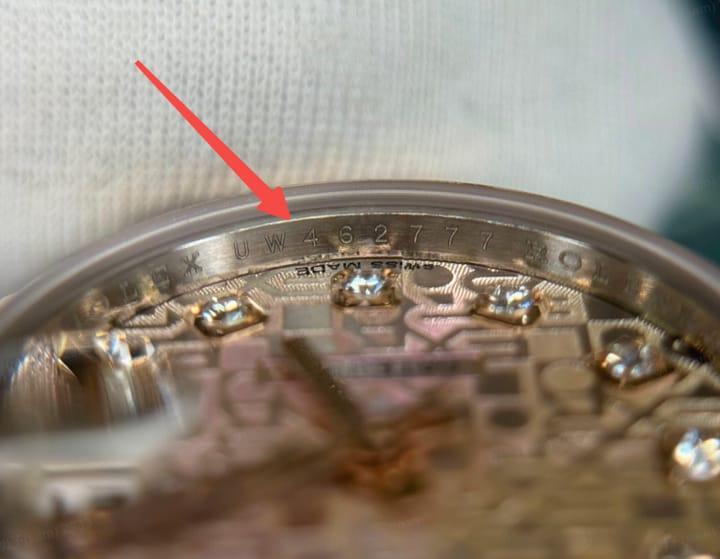
Serial NumberClose-up of the engraving on the inner bezel ring at 6 o'clock. On older watches the serial number is between the lugs instead. 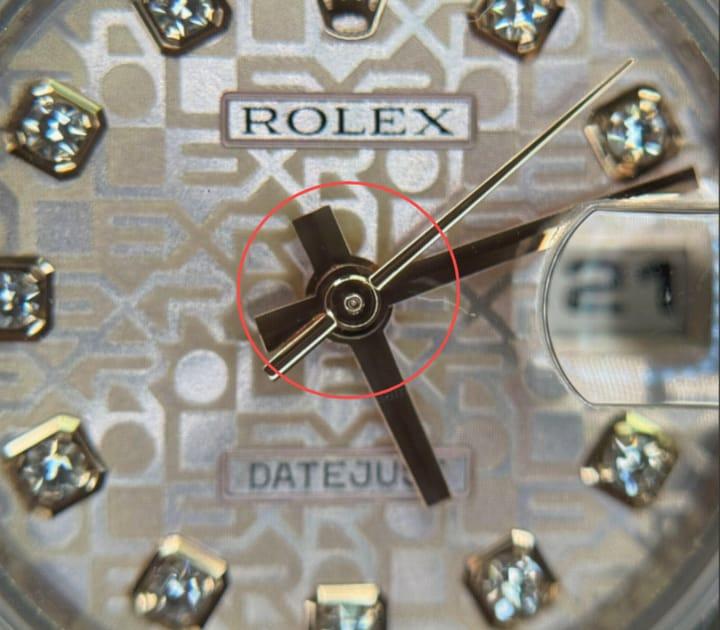
Dial Center AxisFocus on the centre of the dial, where the hands are mounted. 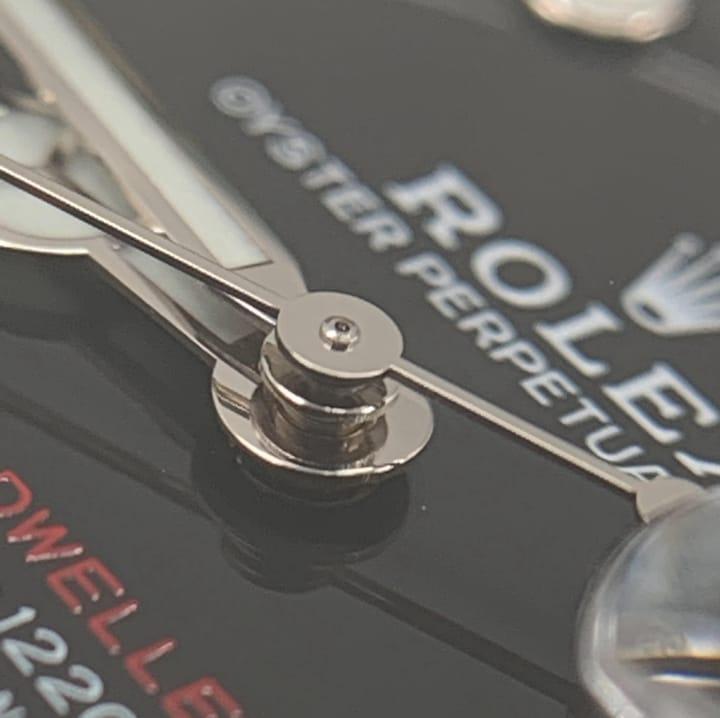
Dial Center AxisThe same spot from the side, at about 45°. 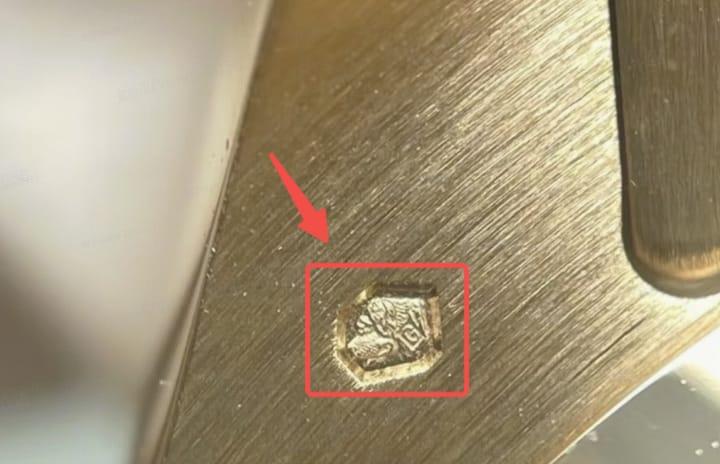
Metal MarkGold and platinum watches: close-up of the small hallmark stamps on the back of the watch. 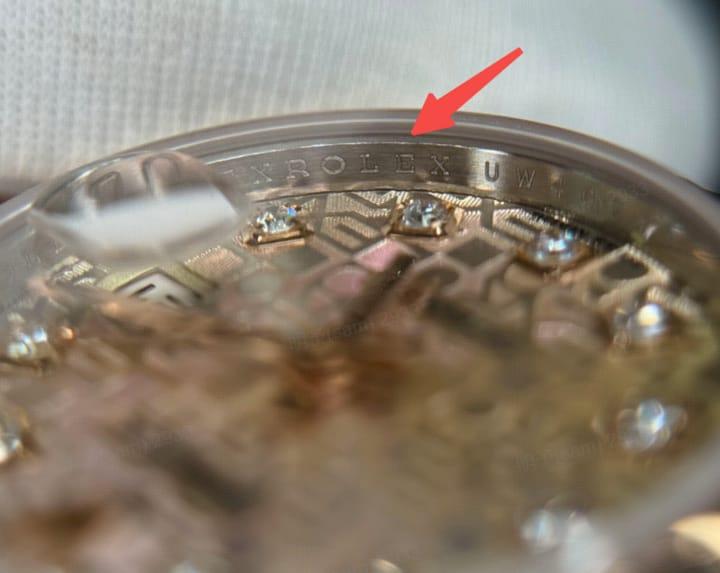
Inner Bezel EngravingClose-up of the ROLEX lettering engraved around the inner bezel ring. 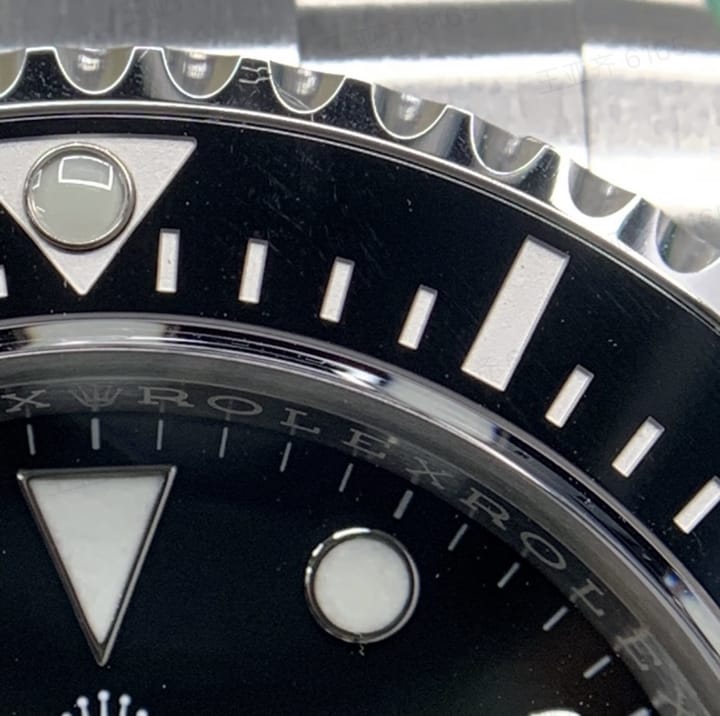
Bezel MarkingsClose-up of the numerals or markings on the outer bezel. 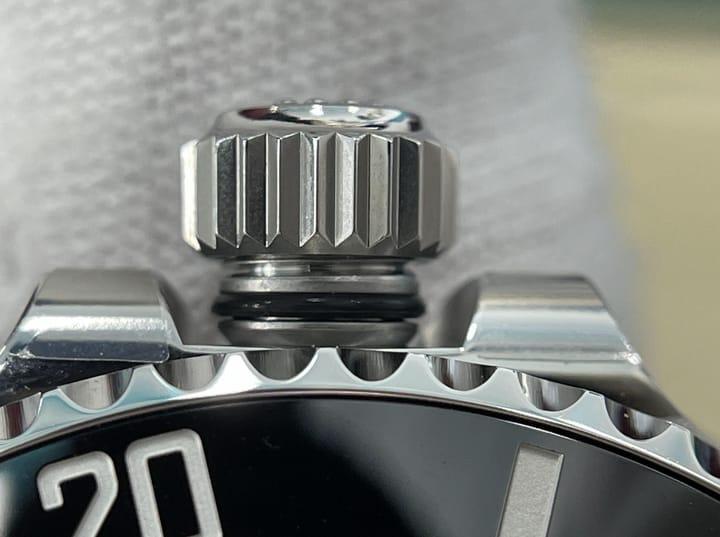
Crown Pulled OutUnscrew the crown, pull it out and photograph the tube under it.
Hype Watches: Swatch collaborations and Casio G-Shock
Choose Hype Watches on the form for the MoonSwatch and other Swatch collaborations, and for Casio G-Shock. They take the same 6 required photos as other watches.
Tips for clear photos:
- Use daylight or a bright room, without flash, and hold the phone straight on to each detail.
- One detail per photo, close enough that any text can be read, and in sharp focus.
- No filters or edits.
- Tags, cards, the box or the dust bag help too: add them if you have them. The form also has two free boxes for any other detail you think matters.
If our authenticators need another angle, we ask by email at no extra cost: see photo requests. When you are ready, open the order form.
Updated November 13, 2026