What photos do I need for a wallet?
The 4 photos we need to authenticate a wallet or card holder, and the extra details that help.
When you authenticate a wallet or card holder, the order form asks for these photos, one per box. Many wallets have no serial number, so that photo is optional.
Required photos (4)
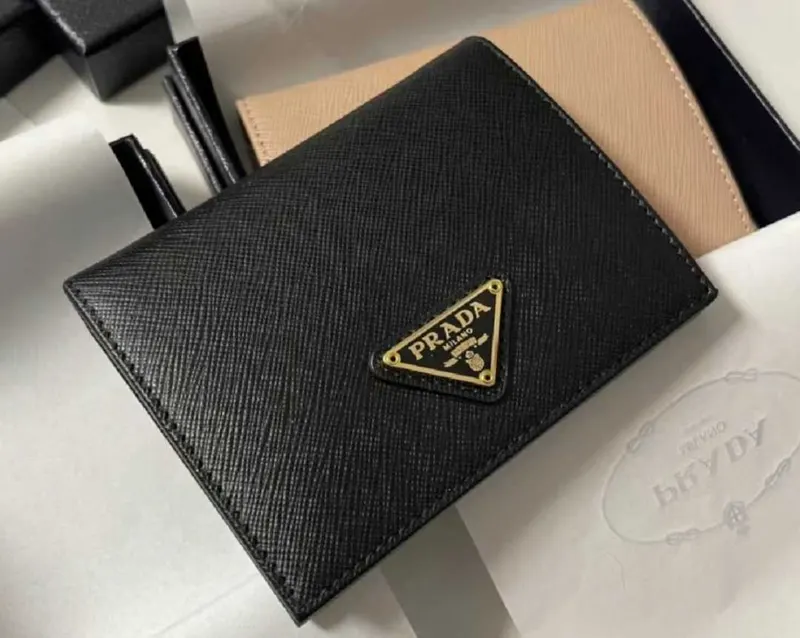
Overall picture
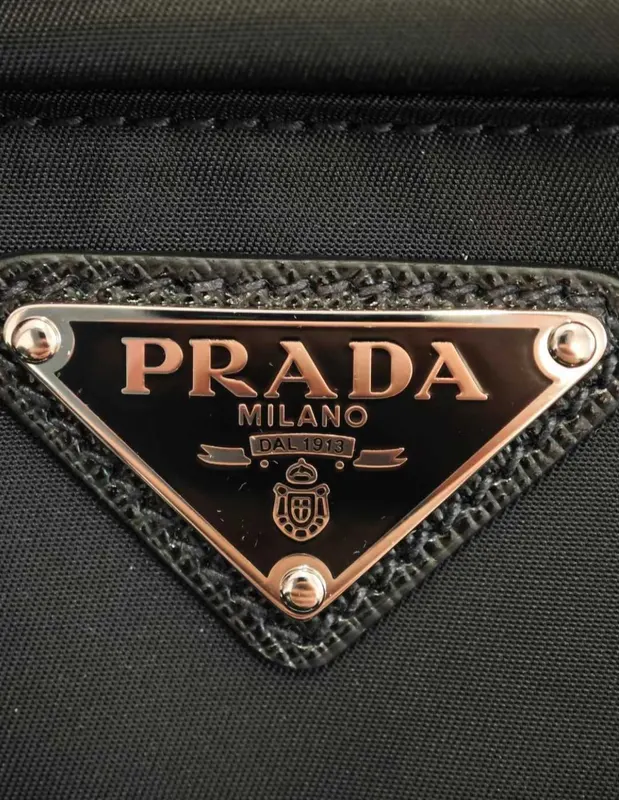
Brand logo
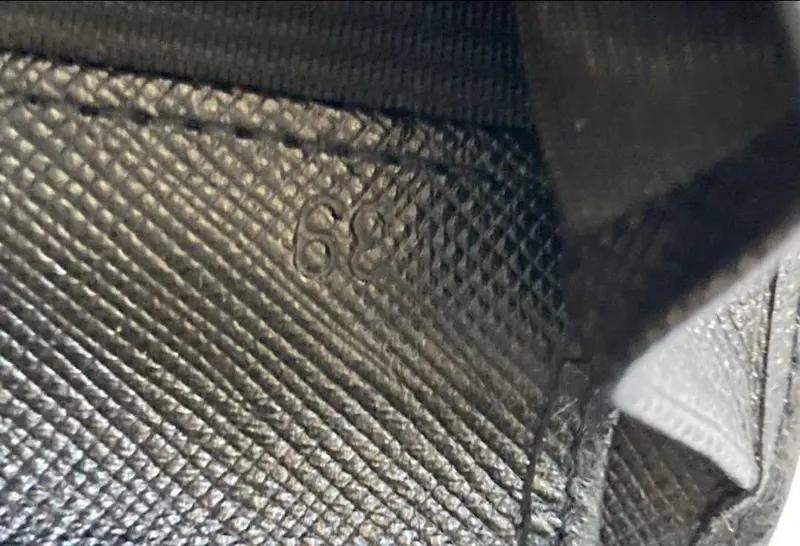
Inside label
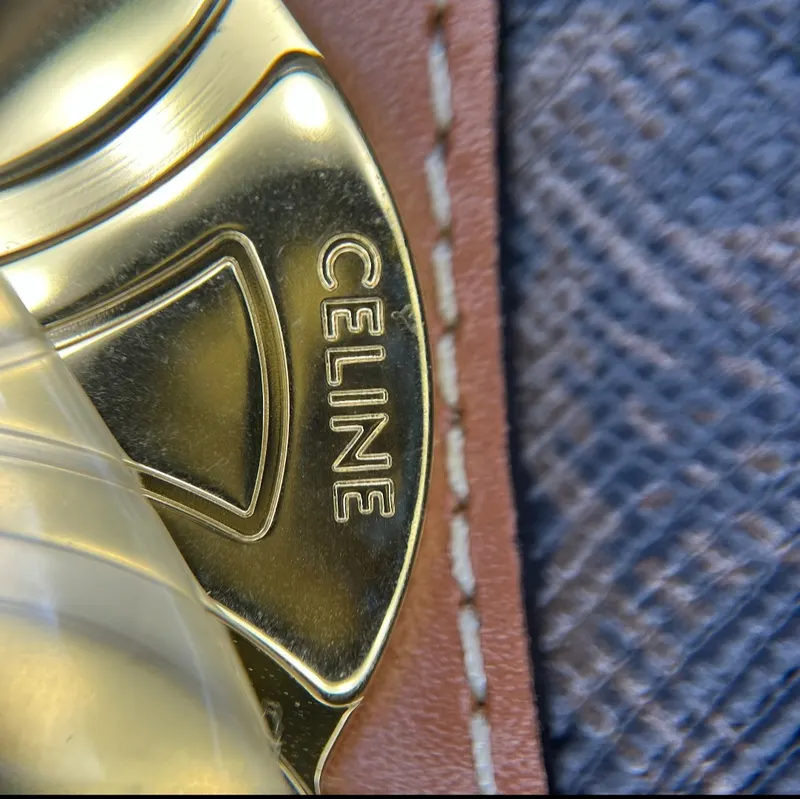
Hardware engravings
Also helpful, if your item has them (11)
 Serial number
 Made In Label
 QR code label
 Hologram Label
 Zipper head (front)
 Zipper head (back)
 Button
 Shoulder strap clasp
 Logo texture close up (Macro image)
 Authenticity card
 Dust bag
Tips for clear photos:
- Use daylight or a bright room, without flash, and hold the phone straight on to each detail.
- One detail per photo, close enough that any text can be read, and in sharp focus.
- No filters or edits.
- Tags, cards, the box or the dust bag help too: add them if you have them. The form also has two free boxes for any other detail you think matters.
If our authenticators need another angle, we ask by email at no extra cost: see photo requests. When you are ready, open the order form.
Updated November 13, 2026