Vintage Luxury & Handbag Authentication Specialist
Handbag authentication specialist. Has reviewed submissions across Hermès, Chanel, Louis Vuitton, and Dior since 2019.
Last updated September 2026 · Published May 2026 · Contact
Why There Is No Date Code in Your New LV Bag
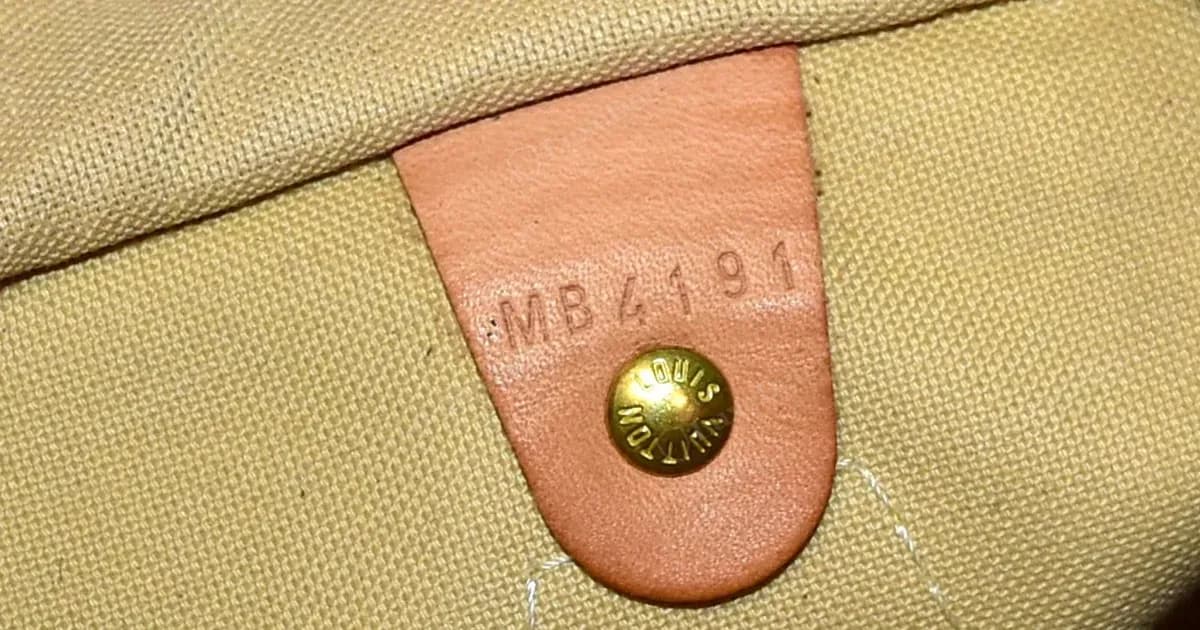
If you bought a Louis Vuitton bag made in 2021 or later and found no date code inside, you are not holding a fake. Louis Vuitton announced in 2021 that it was moving from stamped date codes to embedded chips, and newer bags usually have no visible code. The date-code era ran from the early 1980s until then.
This guide explains what those chips are, how to check whether a bag has one, what a phone scan can and cannot tell you, and what to do instead. It is written for buyers who searched "how to scan a Louis Vuitton chip" and deserve a straight answer about how far a scan gets you.
Worth knowing
Short answer: a phone with NFC can often detect that a tag is present near a bag's interior. Louis Vuitton has not, as far as we could confirm, published a public tool or product page that lets a customer verify a bag by scanning it. Staff use internal systems. So a scan is at most a hint that a chip exists. It is not proof that a bag is genuine, and no reading, or lack of one, should decide a purchase on its own.
Use our free LV Date Code Checker to instantly decode your bag's factory and production year.
Check My Date Code →What Is an LV Chip?
The chips are small passive RFID/NFC tags. They have no battery: a reader's radio field powers them for a moment and they reply with a short piece of data. They are hidden inside the bag, usually in the lining or a leather patch, so you cannot see them.
What the chip stores, and who can read it, is not public. Authentication services and retailers describe it this way: the chip carries an identifier that Louis Vuitton's own staff read with internal scanners and match to a production record. We could not confirm any customer-facing page that a scan opens, and we have not seen a scan return a verified product page on our own bags. If you see a claim online that a scan "opens the official product page", treat it as unconfirmed.
Some NFC reader apps also show a manufacturer code for the chip hardware (for example 04 for NXP Semiconductors). That code tells you who made the blank chip, not whether the bag is genuine. Blank chips of this kind are cheap and widely sold, so the code proves nothing either way.
When Did LV Move From Date Codes to Chips?
| Period | What to expect |
|---|---|
| Before 2021 | A stamped date code inside, usually no chip. |
| 2021 (transition) | Some bags have a date code, some a chip, some both. |
| 2022 onward | Chips on most bags and no visible date code. |
| Some accessories | Small items can still carry a code. |
Reports differ on exact dates, and chips have been reported in a few bags earlier than 2021. For a bag from 2021 to 2022, the absence of a code alone is not a warning sign.
What a Newer Bag Looks Like Inside

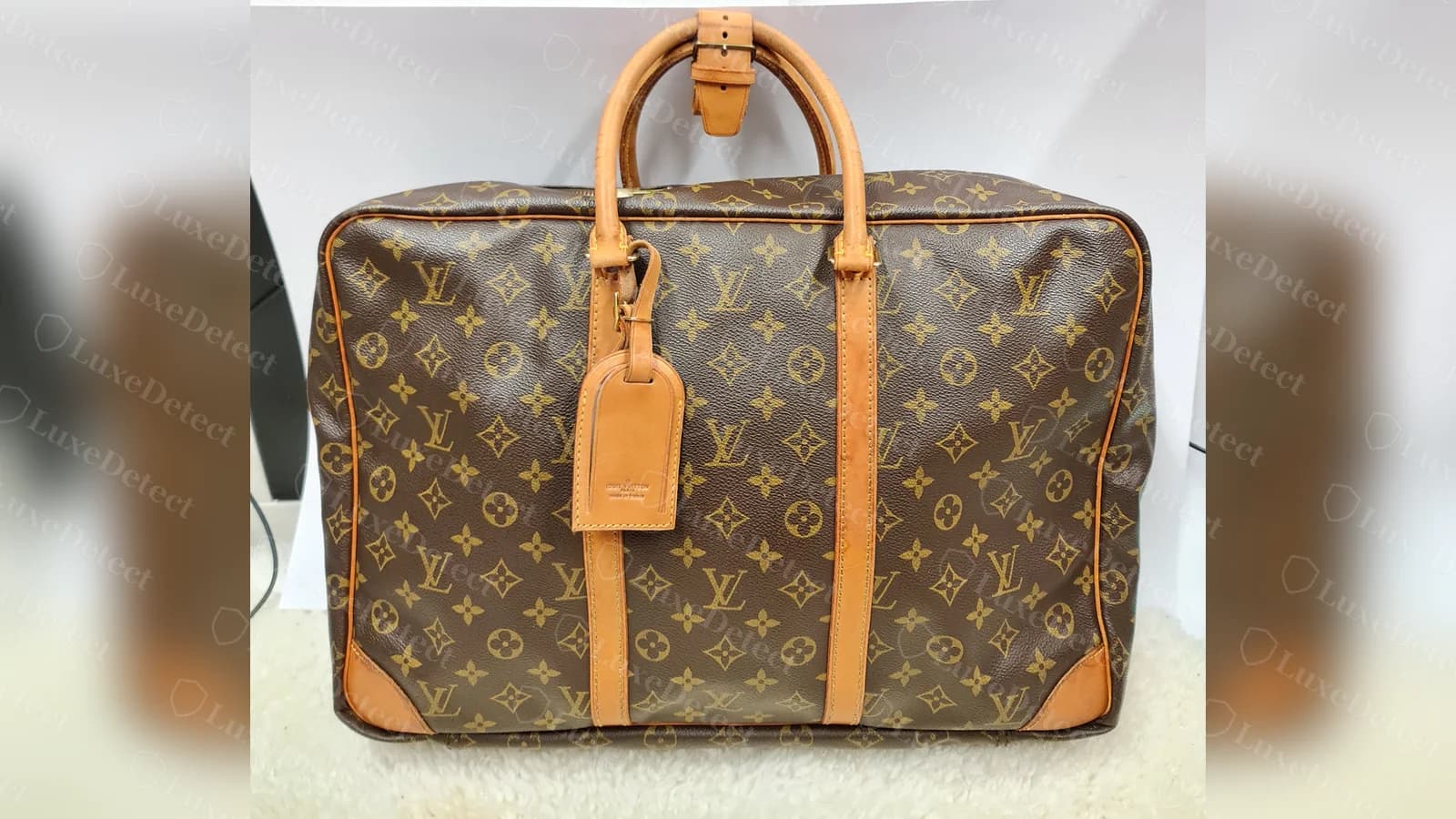
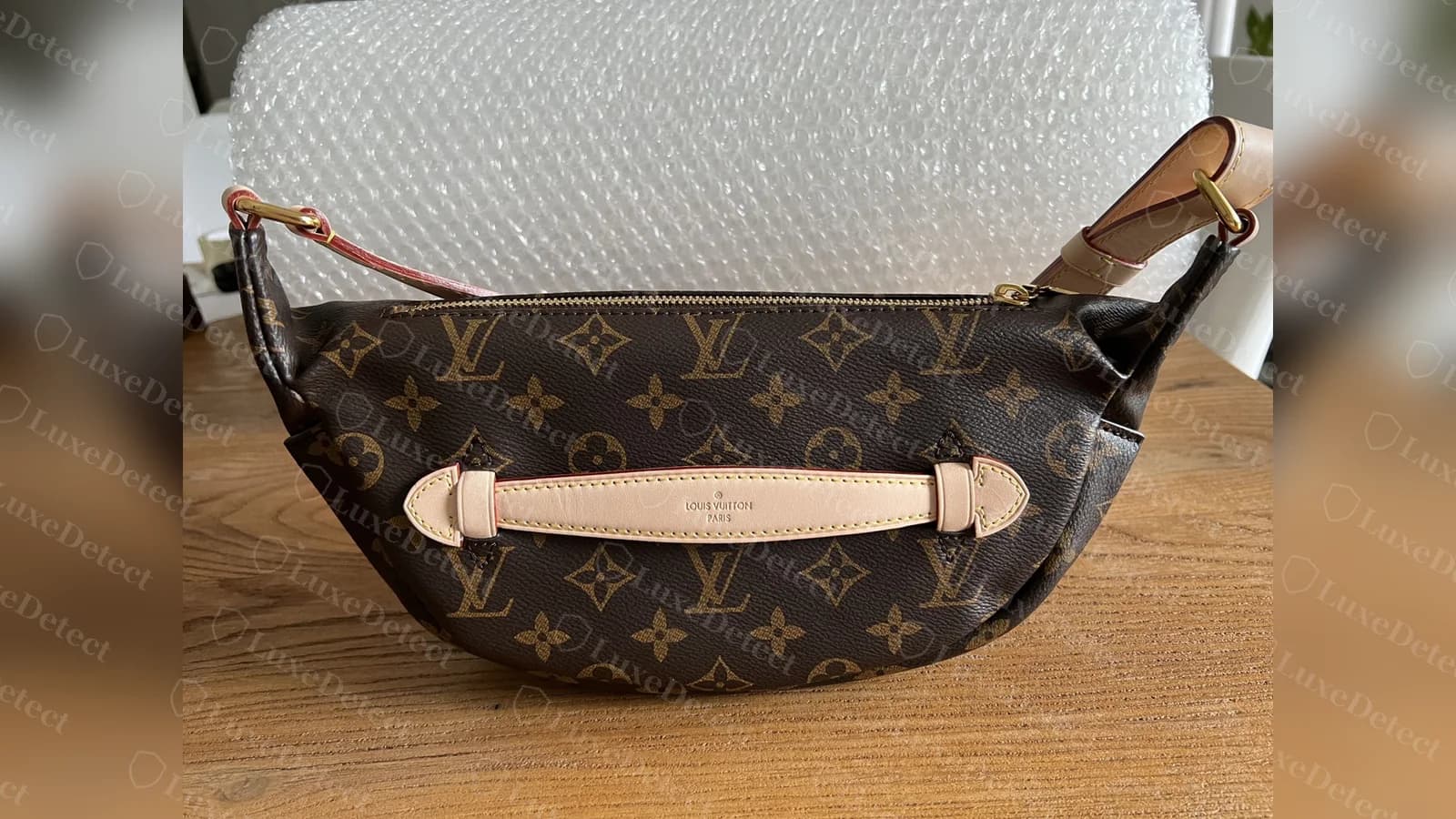
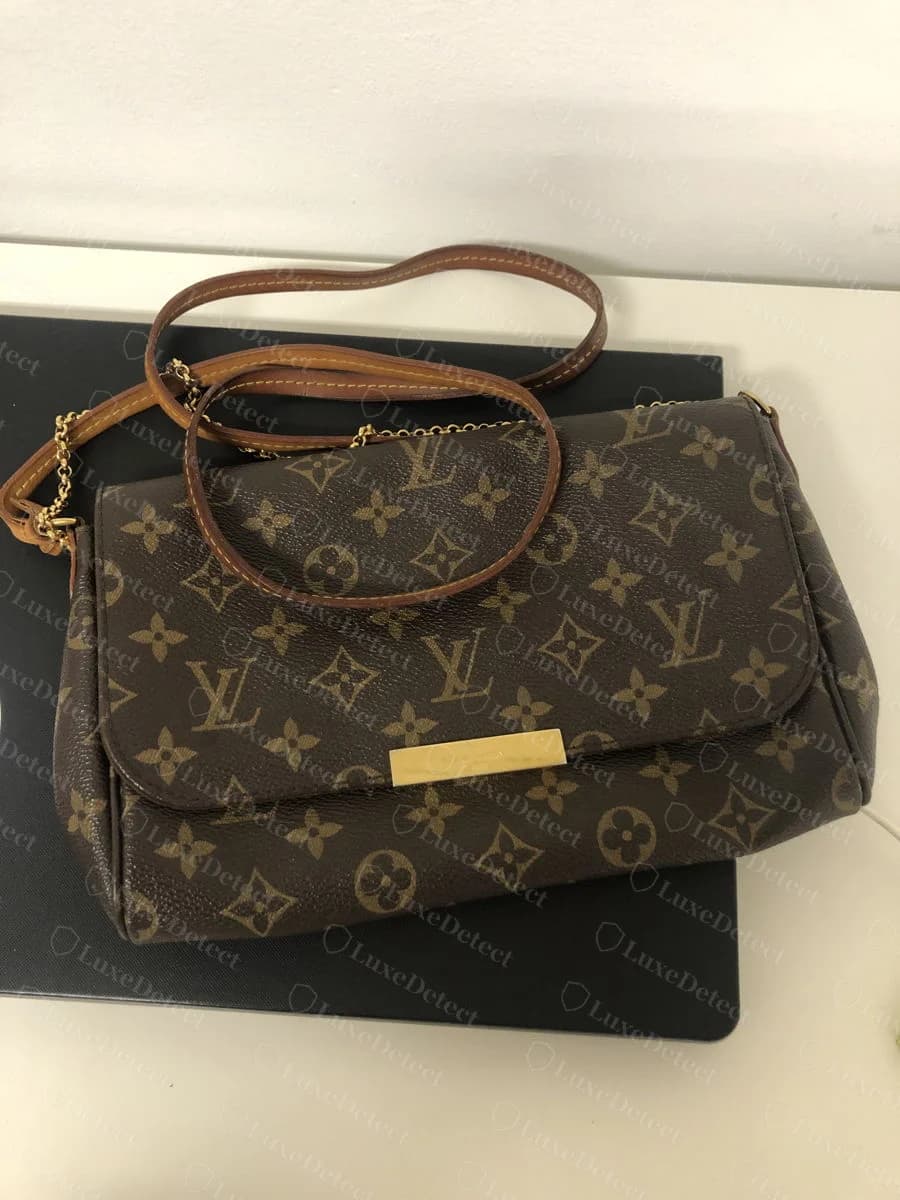
On the microchip-era bags we reviewed, the interior showed the same "LOUIS VUITTON PARIS made in ..." label as older bags, but no stamped date code. We did not see the chip itself in any photo, which is expected because it is hidden.

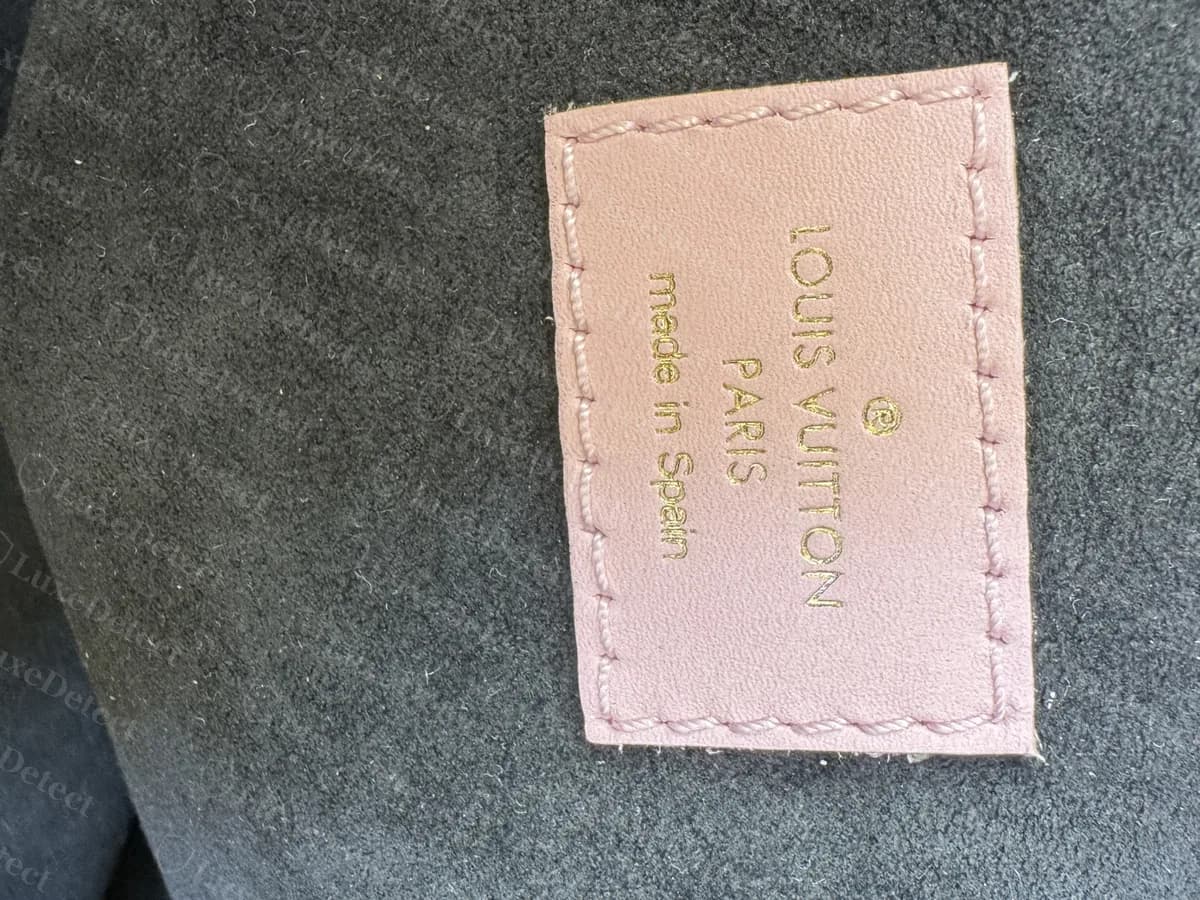
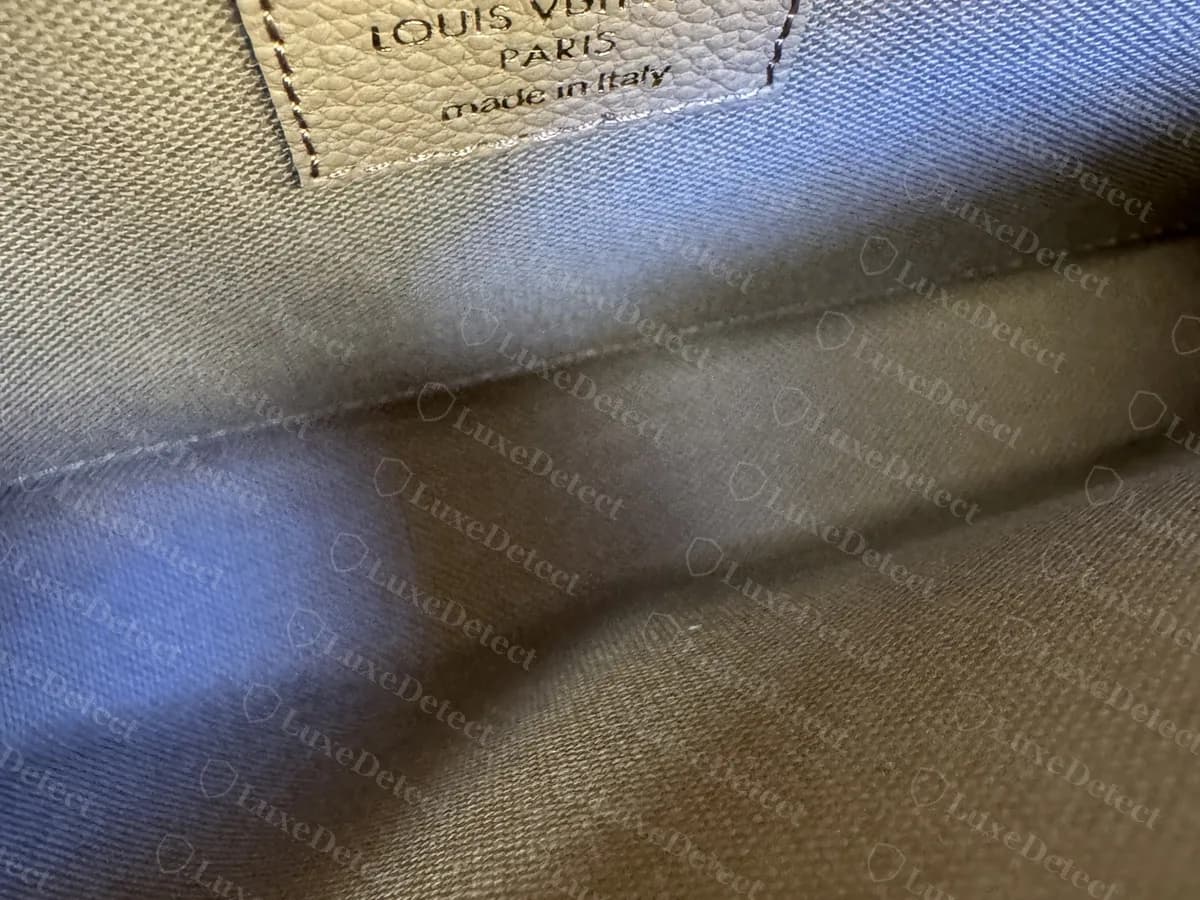
The labels differ by bag and country, and all three countries shown here are normal for Louis Vuitton. The label is a consistency check, not proof.
How to Check Whether a Bag Has a Chip
You do not need special equipment to find out whether there is a tag, but do not expect the result to be a verdict.
- Turn on NFC. On most iPhones from about 2018 it is on by default. On Android, check Settings, Connected devices, then NFC.
- Open a generic NFC reader app (an app that reads tags, not one that claims to authenticate luxury goods).
- Hold the top of an iPhone, or the back of an Android, close to the interior lining of the bag, around the leather label or patch and along the seams.
- Move slowly. The reader may vibrate or show a tag type when it finds one. Different apps show different data.
If nothing happens, that does not mean the bag is fake. The phone may be positioned wrongly, the bag may be from before 2021, or a chip may be damaged. If something does show, it means a tag is present, not that the tag belongs to Louis Vuitton.
What a Scan Can and Cannot Tell You
- It can tell you a tag exists.
- It cannot tell you the bag is genuine. A counterfeiter can put an ordinary tag in a fake, and a genuine chip can be moved from one bag to another.
- It cannot be used to verify a specific model, colour or origin through anything Louis Vuitton has made public that we could confirm.
A third-party app may advertise its own scan and show a result. We have not verified what those return, so we do not treat a "passed" screen as evidence.
What to Check Instead
For a bag from 2021 or later, look at the same physical details you would on any bag: canvas or leather, stitching, hardware engraving, the interior label and the model-specific points in our guides. For an older bag, read the date code and check it fits the model and factory. Use our date code guide and decoder for that.
If a bag is described as from 2022 or later and shows neither a date code nor any sign of a chip, ask the seller why, and get a professional opinion before you pay.
When to Get a Professional Opinion
Because no consumer scan gives a verdict, a professional review of clear photos is the reliable check for a newer bag. Our authentication service reviews the interior label, hardware and construction and gives a verdict quickly.
A code that checks out doesn't prove the item is real. Counterfeiters copy genuine codes.
Our authenticators check the stamps, hardware and construction of your Louis Vuitton against verified references, from $25. You get a verdict within 24 hours, and a Certificate of Authenticity if the item passes.
Authenticate My Louis Vuitton →Related guides
- Louis Vuitton date codes explained
- How to authenticate a Louis Vuitton Speedy
- How to authenticate a Louis Vuitton Neverfull
- Buying vintage Louis Vuitton
FAQ
Do all Louis Vuitton bags made after 2021 have chips?
Most mainline bags do, but small items may still carry a date code. Reports differ on the exact dates, so a missing code on a bag from 2021 or 2022 is not by itself a warning sign.
Where is the chip in a Louis Vuitton bag?
It is hidden in the lining or an interior patch, and the position varies by model. We have not seen a photo that shows one, and we do not publish per-model positions because we cannot confirm them.
Can I scan the chip with my phone?
A phone with NFC can often detect that a tag is present, using a generic NFC reader app. That is different from verifying the bag. As far as we could confirm, Louis Vuitton has no public app or page that lets a customer verify a bag by scanning it.
What should a scan show for a genuine bag?
We cannot confirm what a genuine chip returns on a customer's phone, so we do not describe an expected result. Reports differ, and a result on a fake can look the same.
Can a fake Louis Vuitton bag have a working chip?
Yes. An ordinary NFC tag can be sewn into a fake. Detecting a tag is not evidence of authenticity.
My 2022 LV bag has no date code. Is that normal?
Yes. From about 2021 the stamped code was replaced by an internal chip on most bags. Check the physical details instead.